About Louper StreamConnect
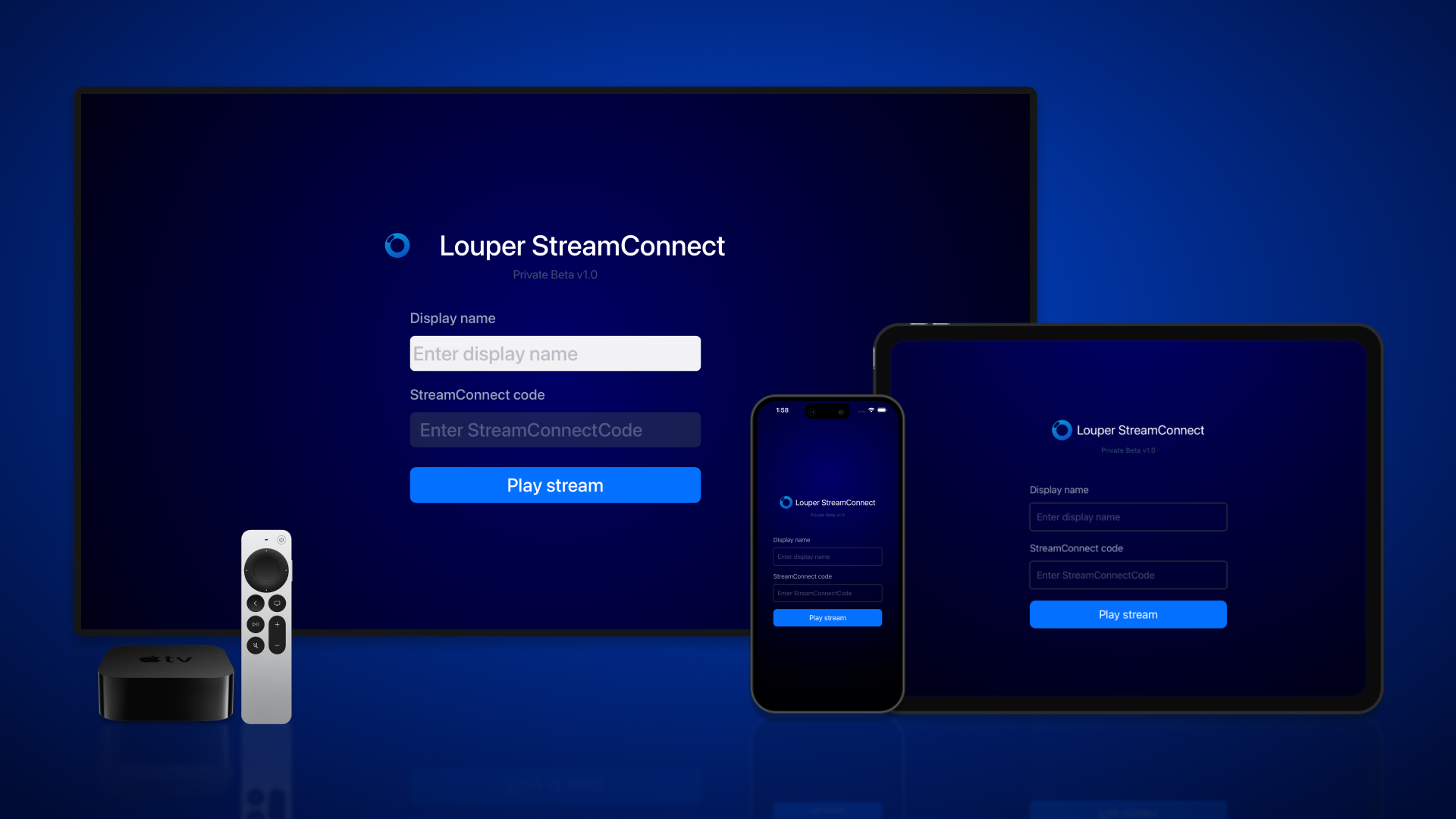
Louper StreamConnect for Apple TV, iPhone, iPad, and Mac is available on the App Store in all regions and countries. Search "Louper StreamConnect" on the App Store to download it.
Louper StreamConnect is a dedicated app designed for Apple and Mac devices to provide users with an optimized viewing experience of video streams from Louper. It serves as a viewer-centric platform for those who want a dedicated stream-viewing solution.
Any device connecting to the livestream via the StreamConnect app will count as a participant in the Room. The device can be removed by the Host or Admin, or denied entry from the Lobby (if enabled).
Key Features
- Native Viewing Experience: Offers a clear and focused view of livestreams on Apple and Mac devices.
- Second Screen Capability: Can be used in tandem with the Louper web app. For instance, you can view a stream on an Apple TV while using the collaborative features of Louper in the web browser.
- Blackmagic Support: Send your stream directly to Blackmagic hardware for output to SDI or HDMI displays.
- Livestream Statistics: Monitor resolution, frame rate, bitrate, and connection health in real time.
- Easier troubleshooting: Access the debug window to view and export log files.
What It Isn't
- Not a Full Replacement: StreamConnect is primarily for viewing a stream. The comprehensive collaborative tools, like video conferencing and on-screen drawing, are available only in the Louper web app.
Ideal Use
Use StreamConnect for a dedicated viewing experience on Apple or Mac devices. For the full suite of collaboration tools, continue using the Louper web app in your browser.
Getting started with StreamConnect
📄️ Download Louper StreamConnect for Apple Devices
Louper StreamConnect for Apple TV, iPhone and iPad is available on the App Store in all regions and countries.
📄️ Generate a StreamConnect Code
To connect to a stream, you'll need a valid StreamConnect code. Here's how to generate one:
📄️ Viewing a Stream on Apple TV, iPad, iPhone or Mac
1. Open the StreamConnect app on your Apple TV, iPad, iPhone or Mac.
📄️ Output to Blackmagic Hardware (Beta)
You can output your stream from Louper StreamConnect to an external SDI or HDMI display using Blackmagic Hardware. You'll need to be on the latest version of Louper StreamConnect for macOS to access this feature.
📄️ Monitor Livestream Statistics
You can monitor the resolution, frame rate, bitrate and connection health of your stream in real time, from the latest macOS version of Louper StreamConnect.
📄️ Debug Window & Log Files
You can open a live Debug window in Louper StreamConnect for macOS and locate log files for easier troubleshooting.
📄️ Providing Feedback
Your feedback is invaluable to the continuous refinement of Louper StreamConnect. Should you face any challenges or have any suggestions, we're keen to hear.