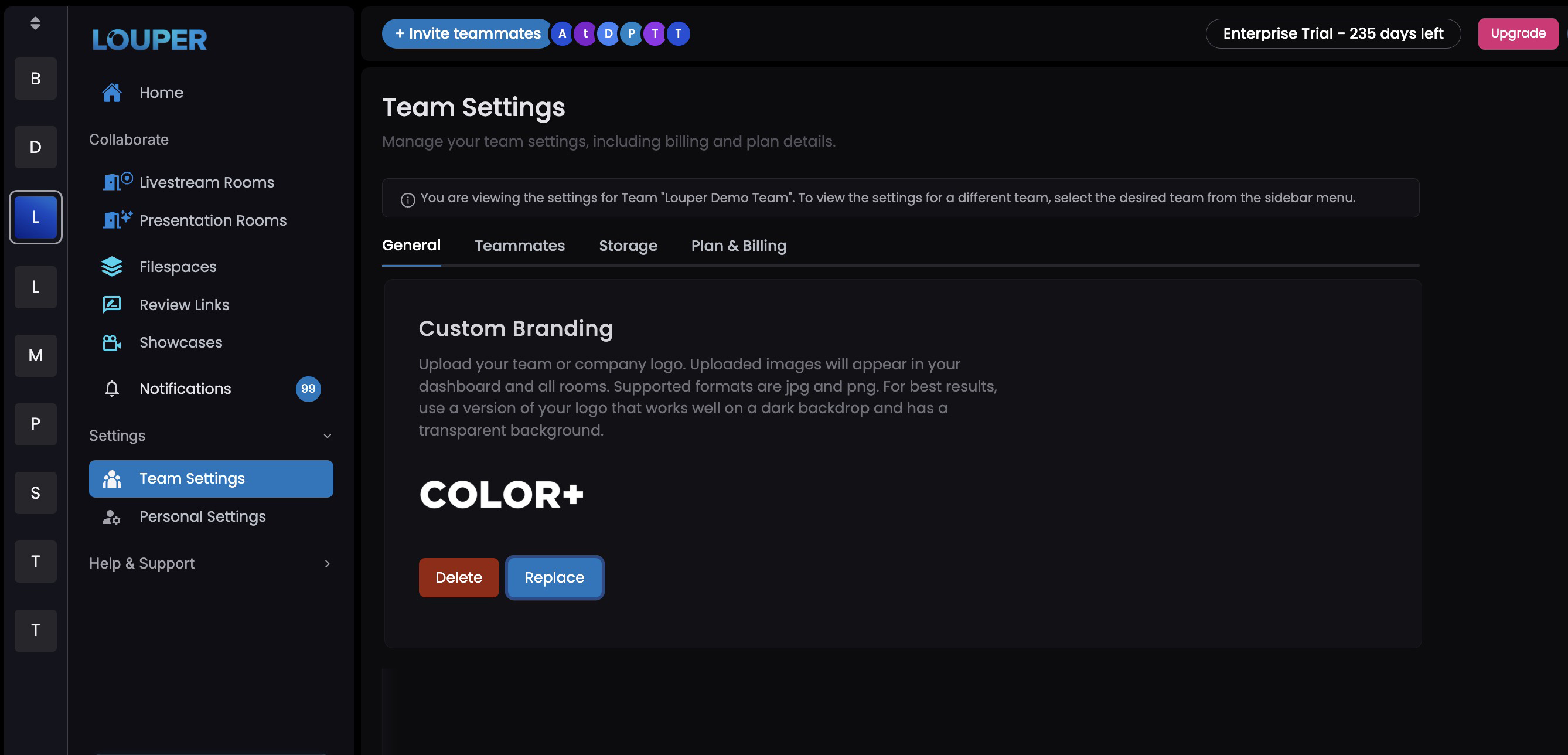
Custom Branding
Custom Branding is available for all Enterprise Teams, and can be purchased as an add-on for Studio Teams. Custom Branding allows you to upload a company logo to your Louper account. This will then be displayed in the Team’s dashboard, in Rooms, Review Links and Showcases. Only Team Owners and Admins have permission to edit a Team’s Custom Branding.
Upload a Logo to your Team
- Click on
Settings›Team Settings - Under the
Generaltab, scroll down to theCustom Brandingsection - Upload a company Logo, and click
Save
note
Logos can be uploaded as a .jpeg or .png and will be presented on a black background.
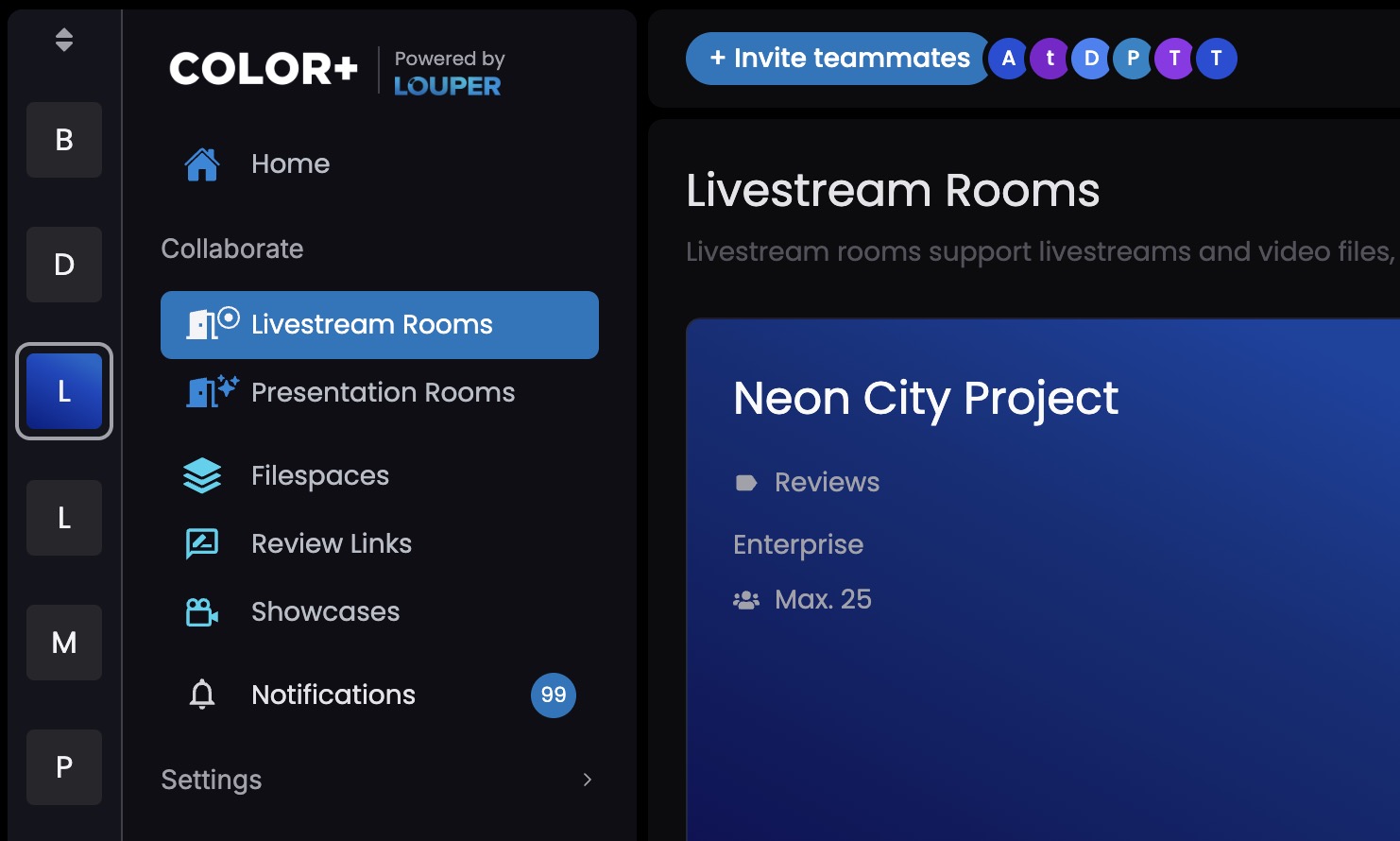
Custom Branding Placement
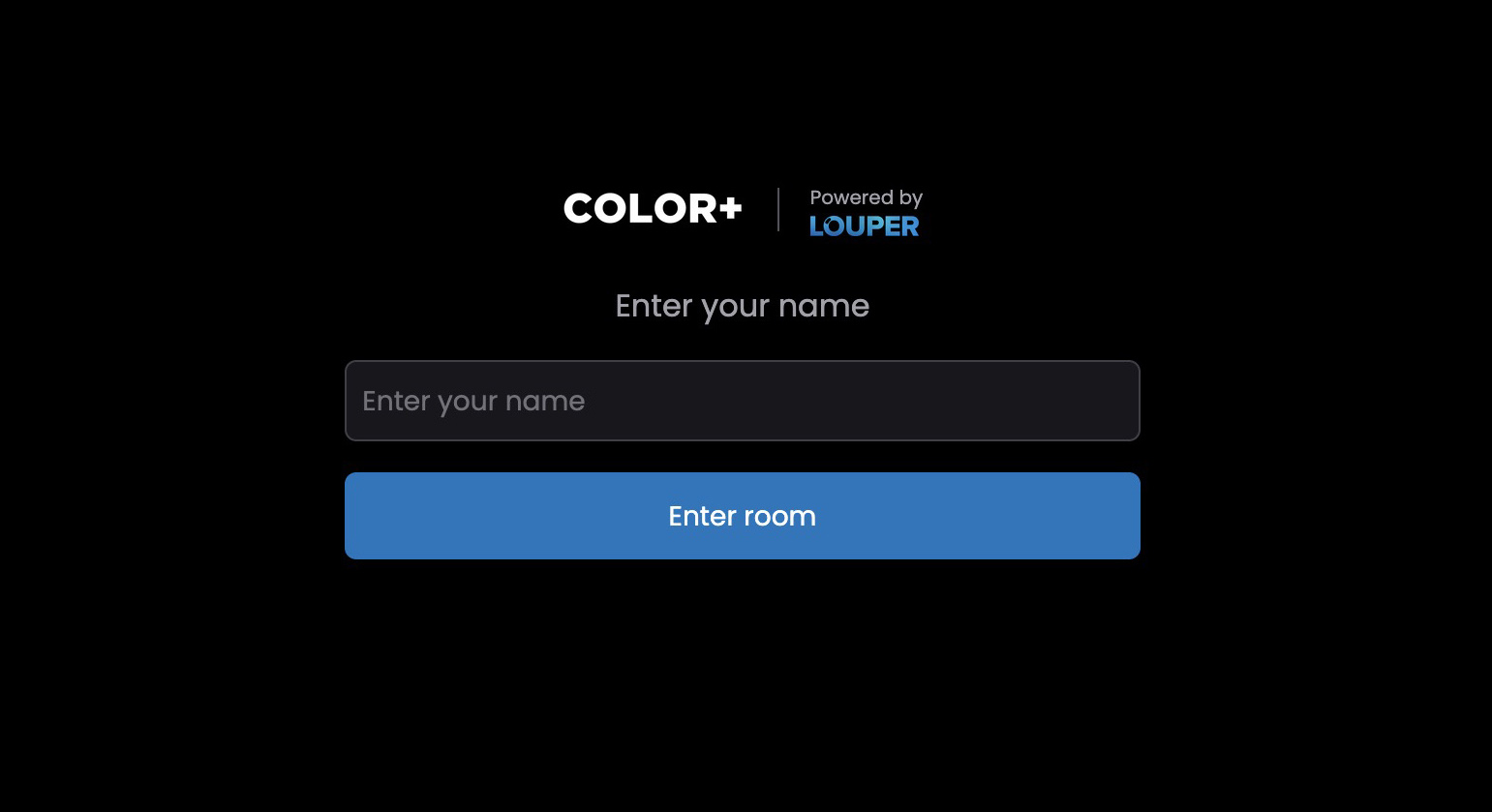
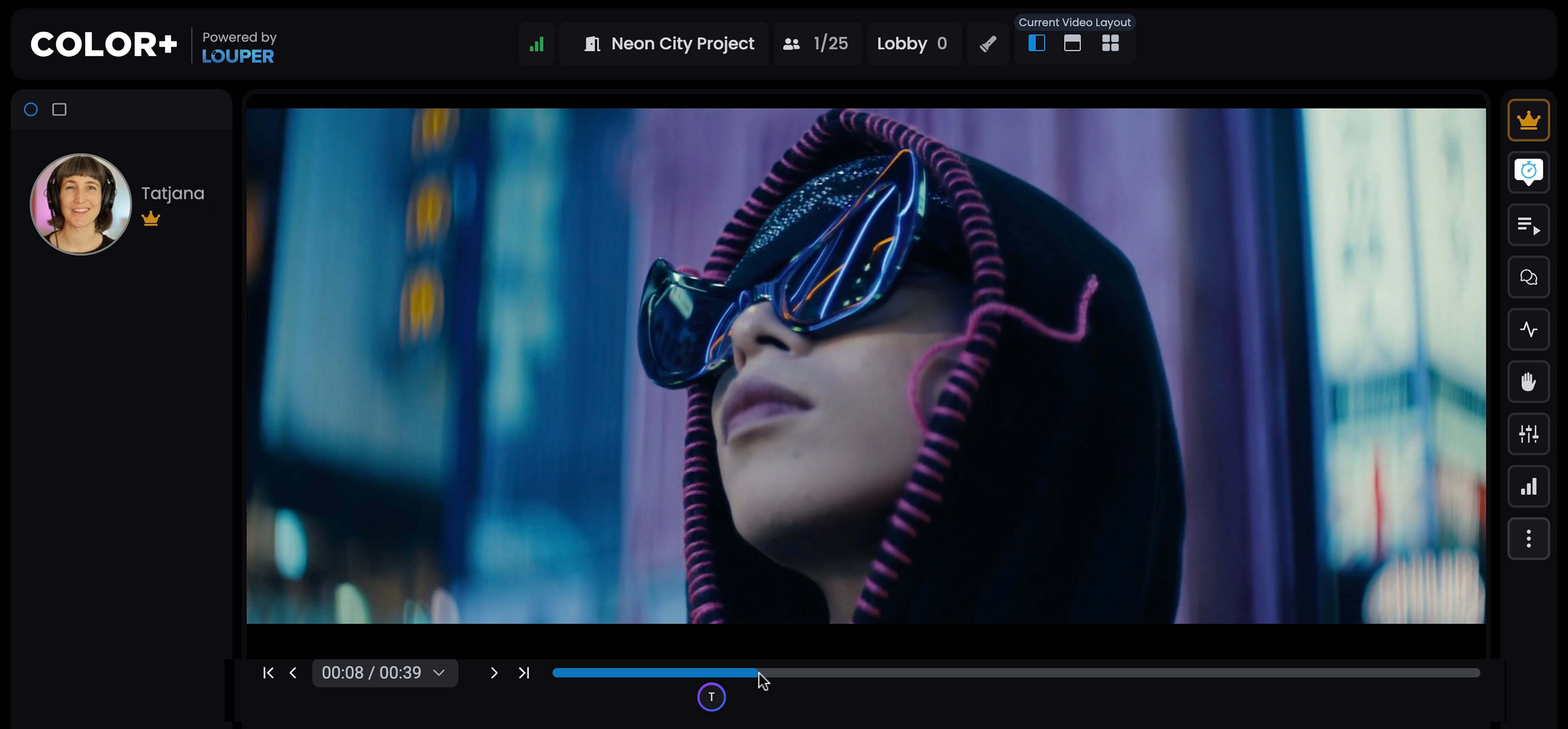
With Custom Branding enabled, your logo will appear on the guest entry page to your Room, inside the Room itself, in Review Links and Showcases, as well as in your Team’s Louper dashboard.
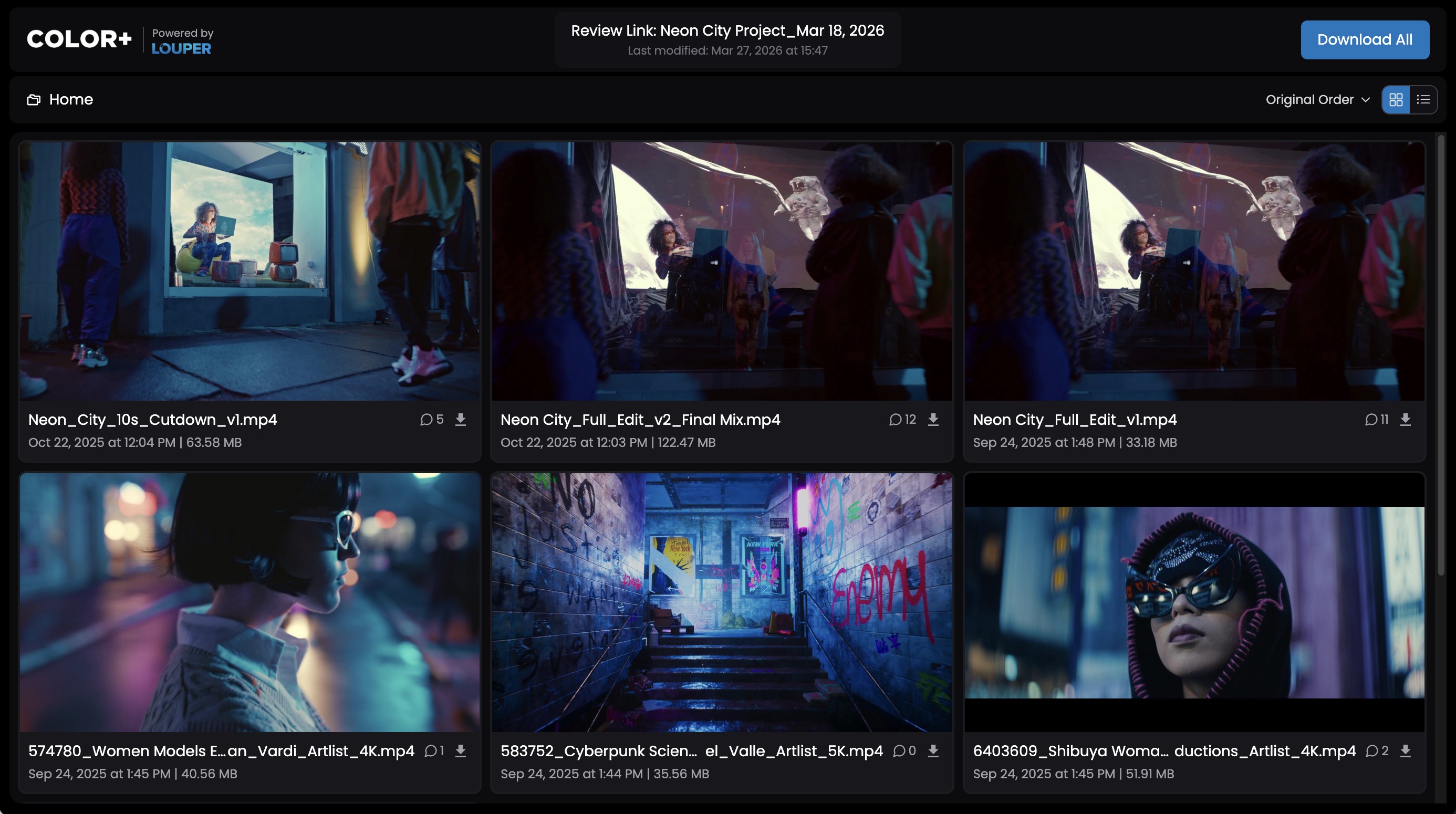
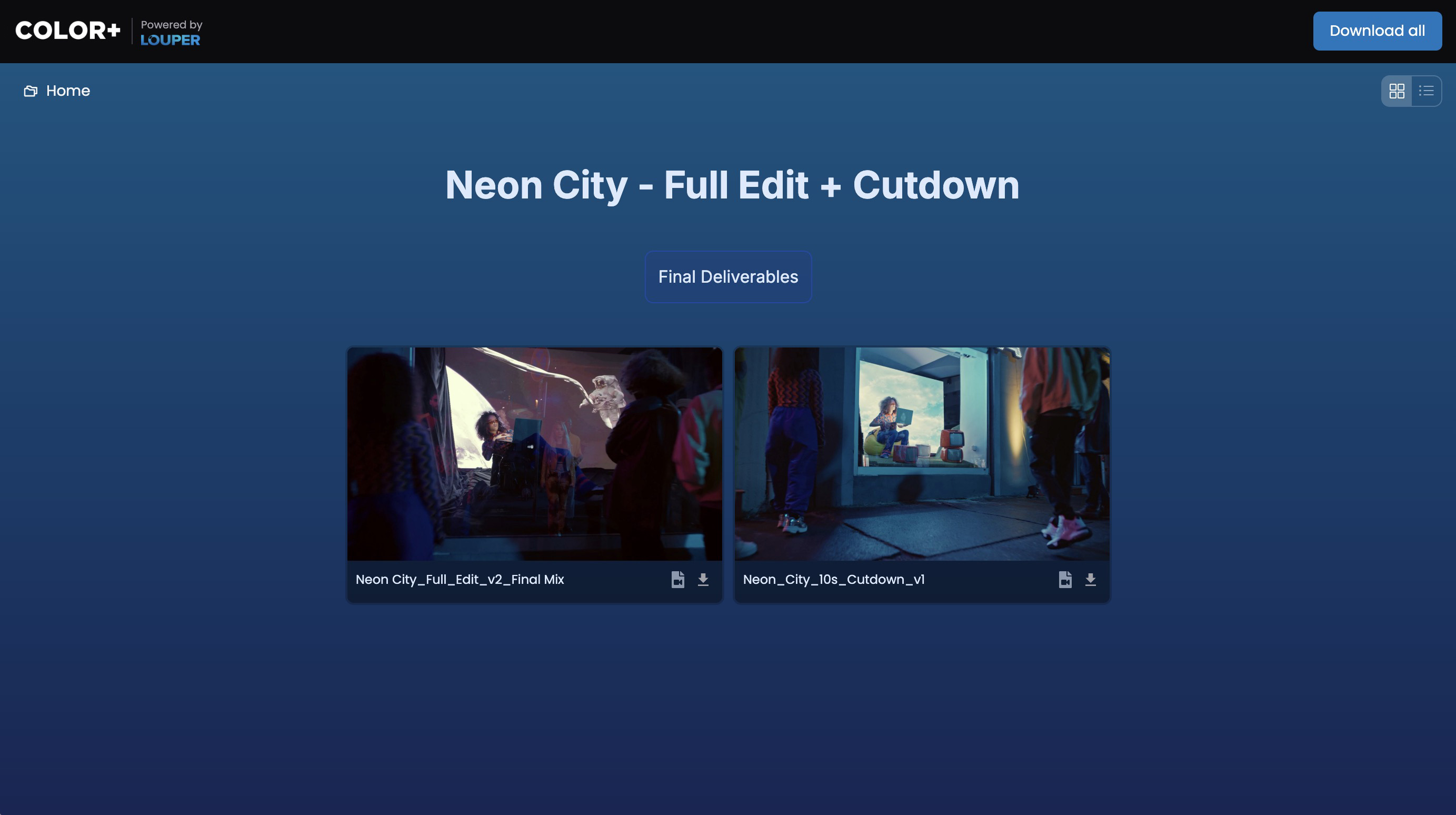
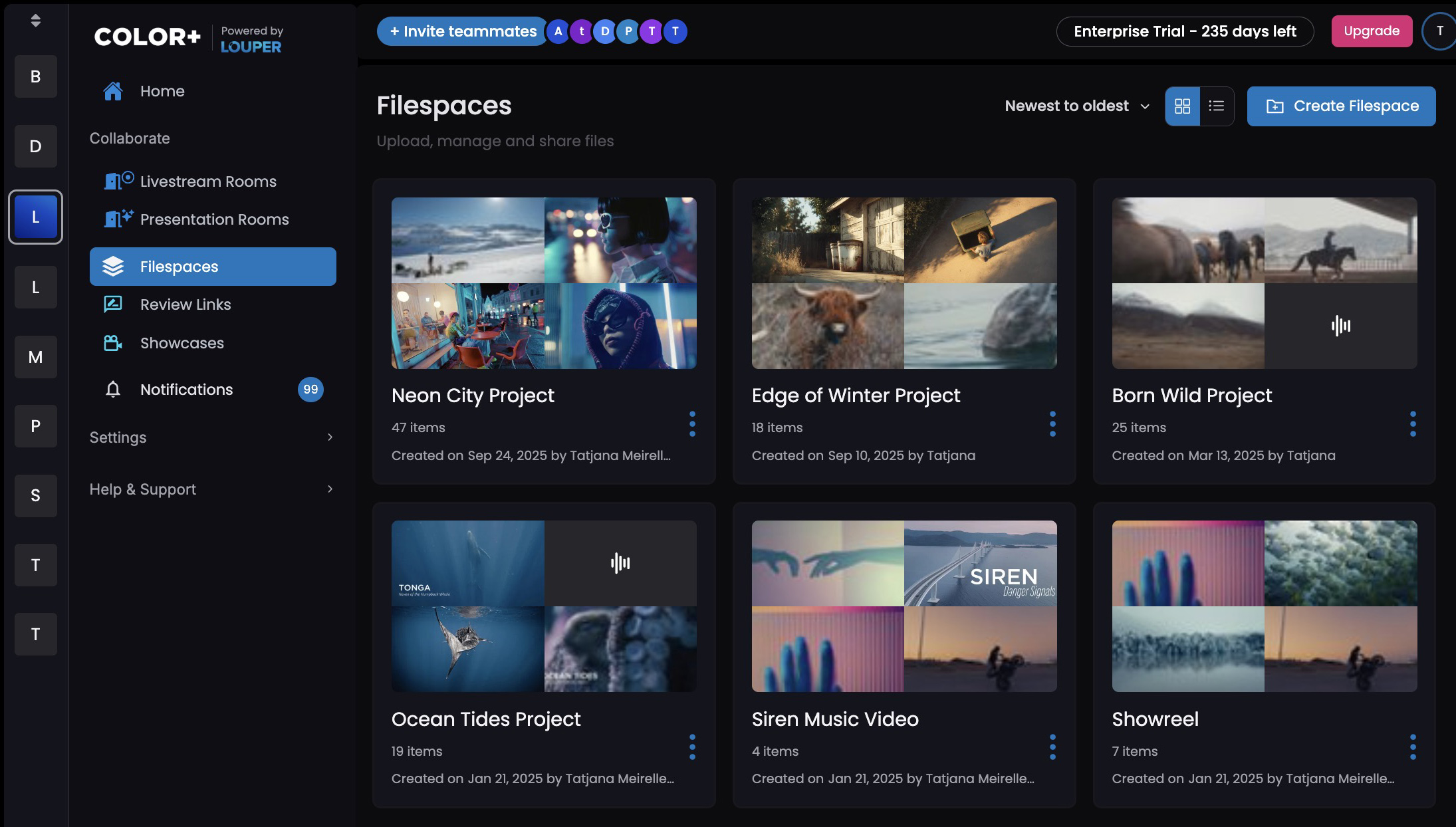
Changing or removing a Logo from your Team
- Click on
Settings›Team Settings - Under the
Generaltab, scroll down to theCustom Brandingsection - Click
Replaceand upload a new logo, or clickDeleteto remove the logo completely