LDE Logs
LDE saves log files to your system which can be helpful for debugging and fixing issues.
Locating log files
In LDE, click Help → Log Files → Show Log Files
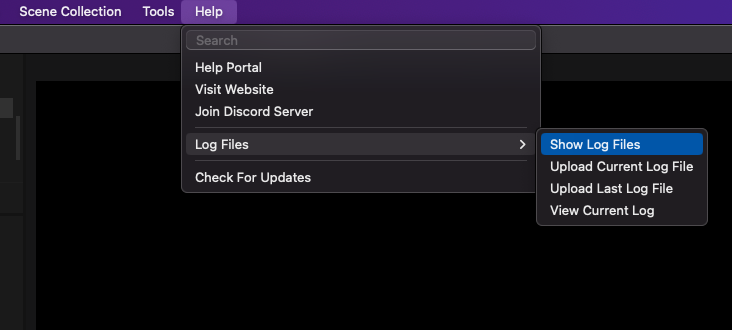
A window will open showing all log files in .txt format. Log files will be named with the date and time.
On macOS, logs are saved to /Users/your-username/Library/Application Support/Louper/LDE/logs
On Windows, logs are saved to C:\Users\your-username\AppData\Roaming\Louper\LDE\logs
Sending log files to Louper Support
Please create a zipped folder containg the log file(s) you want to share with us, and email it to support@louper.io. Include the reason for sending the log files.